Everything about piso wifi in one place. Learn how to log in at 10.0.0.1, pause your internet time, and manage the admin panel, with clear steps for customers and vendo owners.

Join the hotspot, open the portal, pay, and browse. Most people finish in under a minute.
Your phone must use the hotspot, not your carrier, or the portal will never load.
Connect to the WiFi name printed on the machine, usually PisoWiFi or similar.
Type it in the Chrome address bar, not the search box, and press Enter.
Drop coins in the slot or type a voucher code bought from the store.
Your credited minutes appear on the dashboard immediately.
Save 10.0.0.1 for one-tap access to pause, resume, and balance.
The address 10.0.0.1 hosts both the customer login and the owner dashboard. Customers land on the coin portal, while owners add /admin to reach settings, rates, and sales reports.
Note that 10.0.0.0.1 with five number groups is not a valid address, even though many people search for it. The working address always has four groups and three dots. For the complete official reference, see this piso wifi guide.
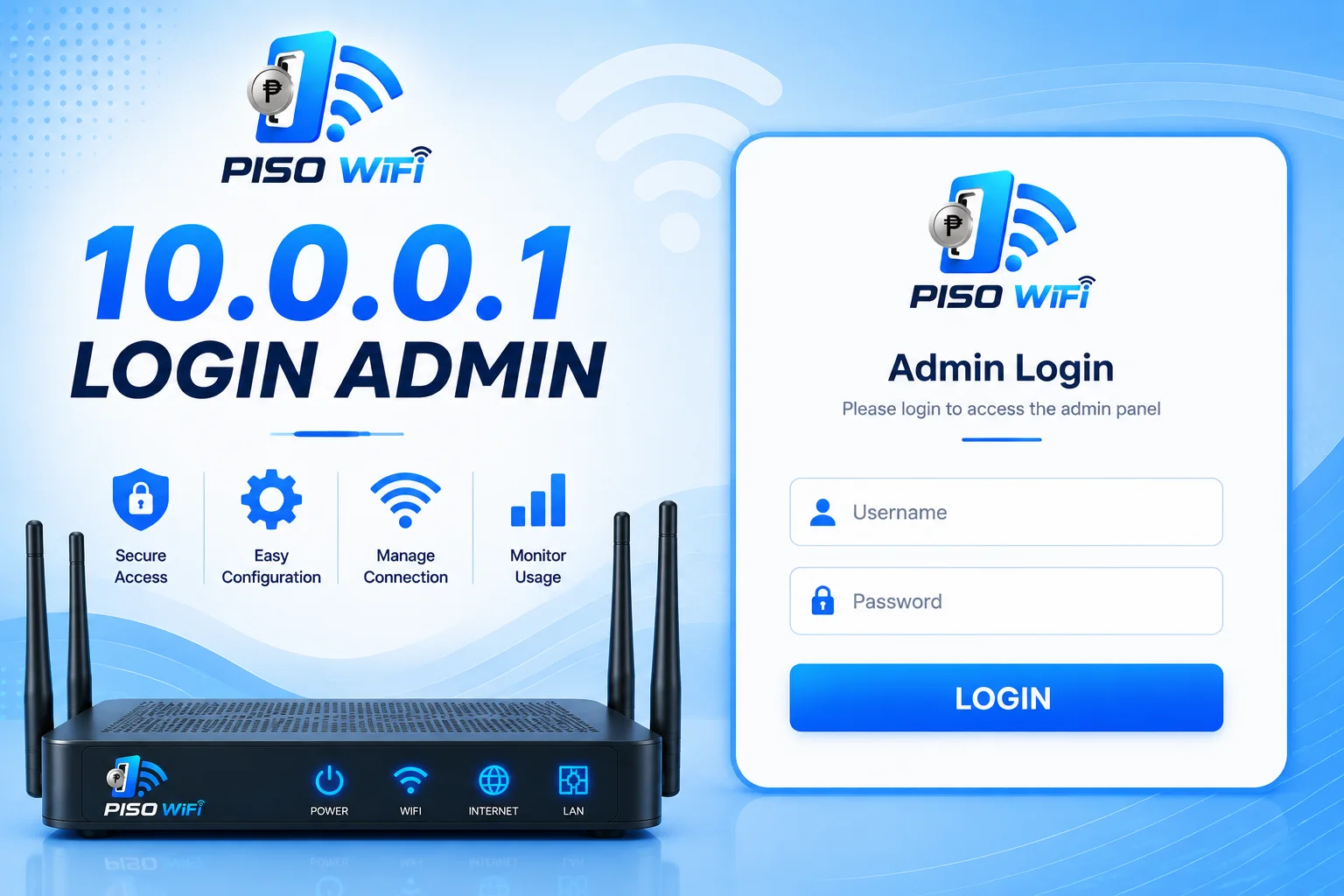
Bought an hour but need to step away? Freeze the timer instead of wasting minutes.
Open 10.0.0.1 after login and hit Pause Time. Your countdown freezes instantly.
Reconnect to the same hotspot, reopen the portal, and tap Resume. No new coins needed.
Saved time is tied to your device, so always resume from the same phone.
The button appears when the owner switches it on in the admin panel, which most LPB machines do by default.
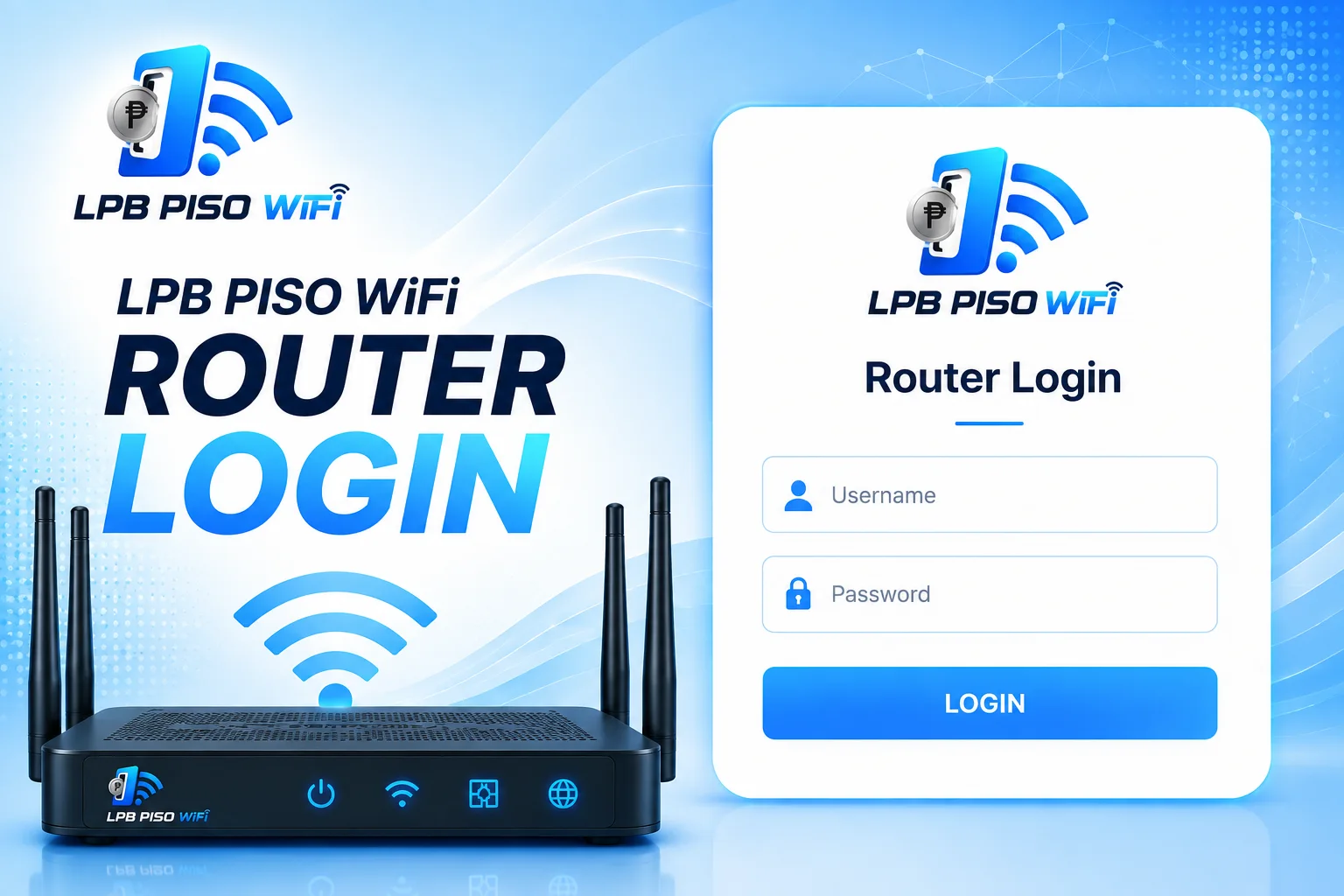
LPB piso wifi is the firmware behind most vendo machines in the Philippines. Its customer login, pause time, and admin pages all live at 10.0.0.1, with the owner dashboard at 10.0.0.1/admin.
Default LPB credentials are usually admin / 123456789, though some units differ. Owners should change these right after installation, since anyone on the hotspot can reach the admin page.
The two addresses look alike but serve different people. Keep them straight with this table.
| Address | Who uses it | What it asks for |
|---|---|---|
10.0.0.1 | Customers | Coins or voucher code |
10.0.0.1/admin | Owners | Username and password |
Detailed tutorials on login, pause time, admin settings, and troubleshooting, all in one place.
Visit piso wifi Official Site